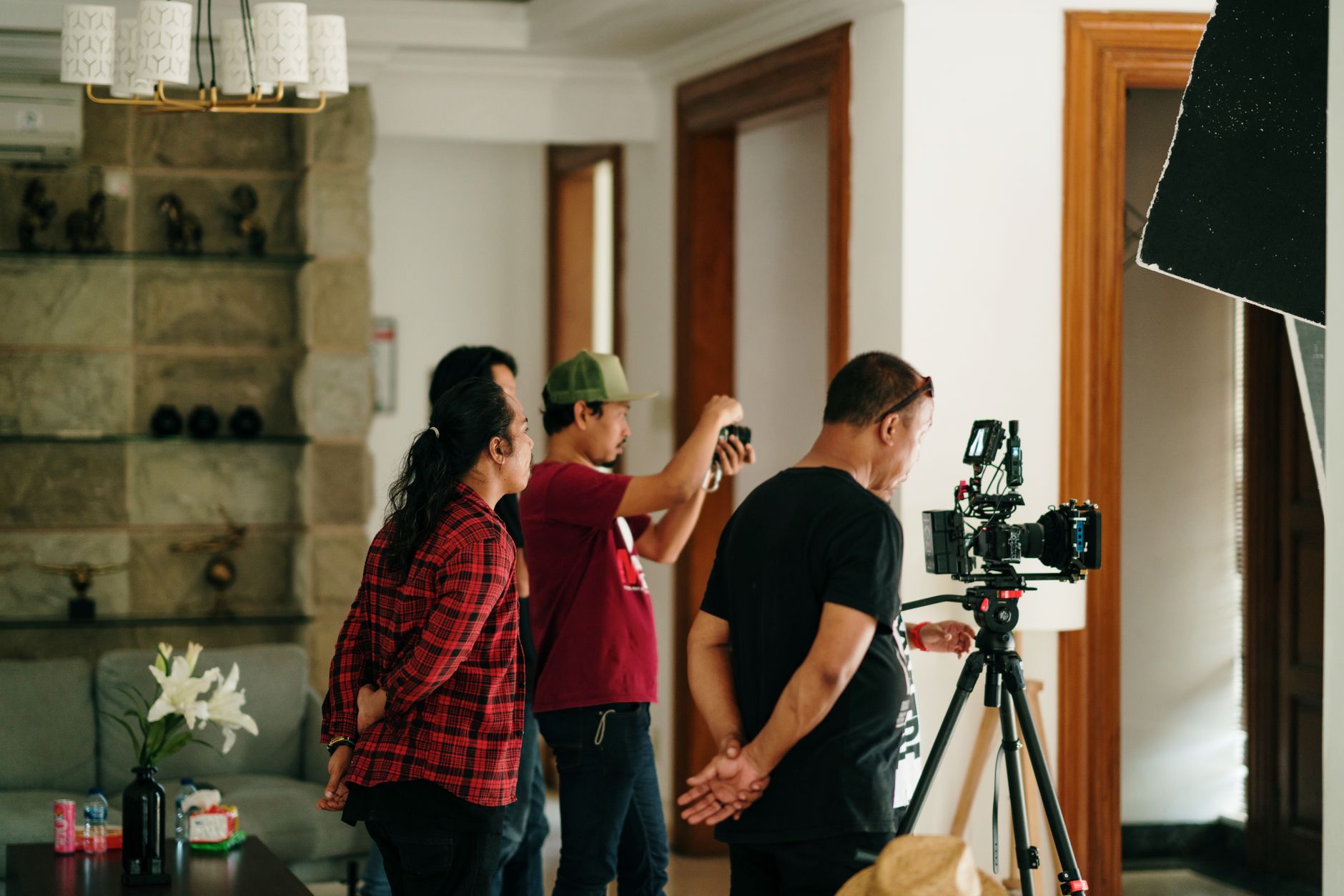
One product shoot can support a month of marketing when the distribution plan is built before the shot list. Start with the placements, messages, and formats the brand actually needs. Then design a small set of master scenes that can supply those uses without making every asset feel identical.
The goal is not to film as much as possible. It is to capture modular coverage with a known job.

Begin with an asset map
List every active placement for the month. Group the list by paid, organic, and ecommerce, then record what each asset must accomplish.
A useful asset map includes the channel and placement, the product or offer, the audience and message, the required orientation and length, the opening frame or hook, any approved claim, caption, or end card, and the delivery date and approver.
This reveals which requests are truly different and which are versions of the same idea. A product-page demonstration and a paid-social opening may use some of the same footage, but they do different jobs. Plan for both.
Build master scenes around messages
Organize the shoot around distinct messages rather than individual exports. Each master scene should answer a specific question or show a specific part of the product experience.
Depending on the product, the plan may call for clean product movement, important details, a demonstration, scale and handling, packaging, or use in context. The brief should identify which of these are essential and which are optional.
Give each scene a primary use. A scene can support additional edits, but a clear primary use prevents the footage from becoming a collection of attractive shots with no finished argument.
Capture variation inside the setup
Once a set, product, and lighting approach are ready, capture the variations the asset map requires. That may include alternate openings, tighter details, wider compositions, clean plates, product-only movement, or room for on-screen copy.
Plan horizontal and vertical framing intentionally. A wide shot that is merely cropped later may lose the product or the action. Mark the safe area for each important format while the camera is still on set.
Continuity matters too. Keep product position, label direction, props, wardrobe, and action consistent when shots need to cut together. Small mismatches make a reusable sequence harder to build.
Give each channel what it needs
Paid assets need a clear opening, a focused message, and enough variation to test the part that matters. A new hook or opening demonstration can create a meaningful variant without rebuilding the entire edit.
Organic assets can carry more context. Process, product use, details, and short sequences can help the channel feel active without turning every post into an advertisement.
Ecommerce assets should make the product easier to understand. Prioritize clarity, accurate color and packaging, useful demonstrations, and compositions that work near product information and purchase controls.
The channels can share footage. They should not be forced into the same edit.
Design the edit system before production ends
Define the relationship between the master edits and their versions. Name the approved messages, openings, aspect ratios, caption treatments, and end cards. This gives post-production a map instead of a pile of footage.
Keep the edit structure modular where the concept allows it. A clear opening, demonstration, supporting detail, and ending can be rearranged or shortened more easily than a sequence that only works in one exact order.
Do not promise versions that the captured material cannot support. If a vertical edit needs a different composition or a paid variation needs a different opening, capture it deliberately.
Organize the handoff for reuse
A reusable asset library needs more than a download link. Use clear filenames and folders for product, concept, channel, orientation, and approval status. Keep final masters separate from channel versions and source selects. Record usage limits for music, talent, locations, and other licensed elements.
The internal team should be able to answer three questions quickly: What is this file? Where can it run? Is it approved?
Build the month from the shoot
After approval, place the finished assets onto the actual calendar. Assign each one to a campaign, placement, and date. Hold a small reserve of useful variations for changes in timing or performance, but do not create files with no planned use.
One shoot becomes a month of content through planning, not volume. Start with the asset map, capture the shared building blocks, and finish with a delivery system the paid, organic, and ecommerce teams can all use.