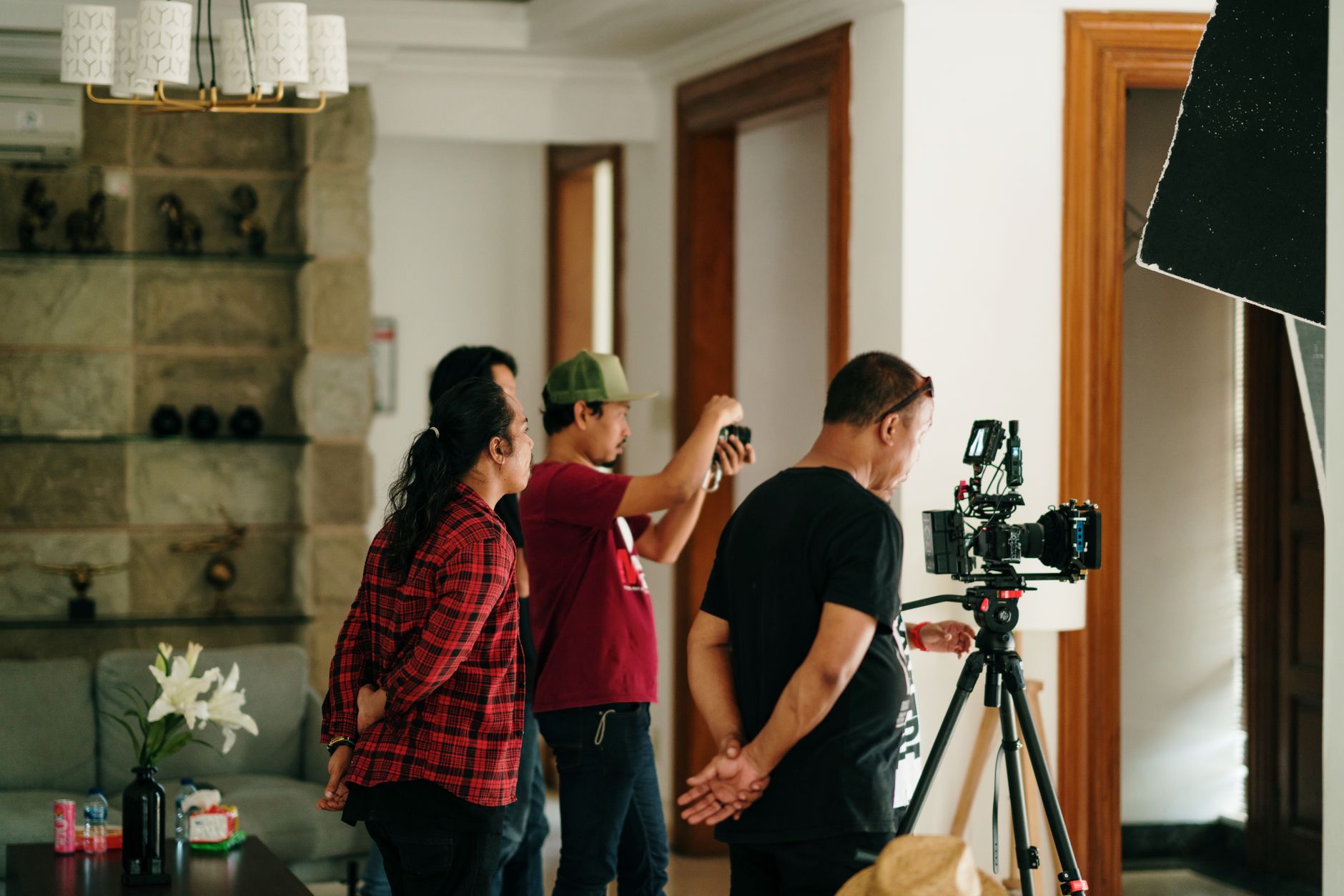
Build one library around shared source material, then give each channel the versions it actually needs. Paid, organic, and ecommerce teams should not receive three unrelated folders from three separate production plans. They should receive approved masters, channel-ready derivatives, and enough information to know where each file can run.
The useful unit is not the number of files. It is the number of marketing jobs the library can cover without forcing every team to start again.
Start with placements, not a shot count
List the active placements before writing the shoot brief. Include paid social, organic feeds, product pages, retailer listings, email, and sales materials. For each placement, record the product, audience, message, orientation, length, safe area, caption treatment, and delivery date.
This exposes the overlap. A product demonstration may support an ecommerce page, a paid proof point, and an organic explainer. The core action is shared, but the opening, crop, pace, and ending may differ.
A simple asset map should answer:
- What must the viewer understand?
- Where will the asset appear?
- Which master scene can supply it?
- Which channel-specific version is required?
- Who approves it?
Separate masters from channel versions
A master is the strongest complete expression of an idea: the full demonstration, product story, testimonial, or visual sequence. A channel version changes that master for a particular placement. It may use a new opening, shorter duration, vertical crop, caption treatment, product-page loop, or different end card.
Keep those layers distinct. When every export is treated as an original asset, the library looks larger than it is and becomes difficult to maintain. When only masters are delivered, channel teams still have to rebuild the work themselves.
Plan the required versions before production. The article on how many product videos a brand needs each month uses the same distinction: count ideas first and exports second.
Capture material that can be recombined
Reusable footage needs deliberate coverage. Capture clean product views, demonstrations, detail shots, alternate openings, transitions, and frames with room for copy. Hold important actions long enough to support more than one edit. When a scene must work vertically and horizontally, compose for both rather than assuming one crop will survive.
Photography should follow the same plan. A hero image, a tight detail, an in-use frame, and a clean composition for text each do different work. Repetition is not the goal. Useful range is.
This does not mean filming every possible variation. Capture the building blocks tied to known placements and likely refreshes. The process for turning one shoot into a month of assets begins with that map.
Use a folder structure that reflects how people search
Organize the delivery around the questions an internal user will ask: What product is this? What campaign does it belong to? Where can it run? Is it approved?
A practical structure has three layers:
- Masters: approved hero edits, clean product footage, final photography, and other reusable source material.
- Channel versions: paid, organic, ecommerce, retailer, email, or sales derivatives.
- Source and reference: selects, project files, briefs, copy, usage documentation, and technical specifications when those items are part of the handoff.
Use filenames that remain meaningful after a file leaves its folder. A pattern such as product_concept_channel_orientation_version_status is easier to scan than a final folder containing final_v7_NEW.mp4.
Add the information the image cannot carry
Every approved asset should have enough metadata to prevent guesswork. Depending on the work, that may include:
- Product, campaign, and concept
- Orientation, duration, and dimensions
- Intended channels and placements
- Approval status and approval date
- Claims, captions, or copy associated with the asset
- Talent, music, location, or usage restrictions
- Expiration dates for licensed material
The library does not need complicated software to begin. It needs a stable naming system, one source of truth, and an owner who keeps approval and usage information current.
Give each team a usable view
Paid teams need openings, variations, offers, and clear testing labels. Organic teams need context, flexible pacing, and material that can join an editorial calendar. Ecommerce teams need accurate product representation, consistent specifications, and files that load correctly in their placements.
Those needs can share source material without sharing the same final export. Create saved views, folders, or collections for each team while keeping the master record centralized. A channel view should filter the library, not duplicate it.
Build approval into the library
Separate working files from approved files. Mark superseded versions clearly. When packaging, claims, or campaign language changes, the team should be able to find every affected asset and retire it without searching through personal drives.
Name one library owner. That person does not need to create every asset, but they should control naming, approvals, rights information, and archiving. Without ownership, even a well-organized delivery slowly turns back into a pile of files.
Review usefulness, not volume
Check the library against the next marketing calendar. Which placements are covered? Which teams are repeatedly making their own versions? Which assets are approved but unused? Which requests keep sending people back to production?
Those gaps should shape the next brief. A useful asset library is a working production system: shared masters, purposeful versions, clear rights, and a handoff that lets each team move without rebuilding the work.