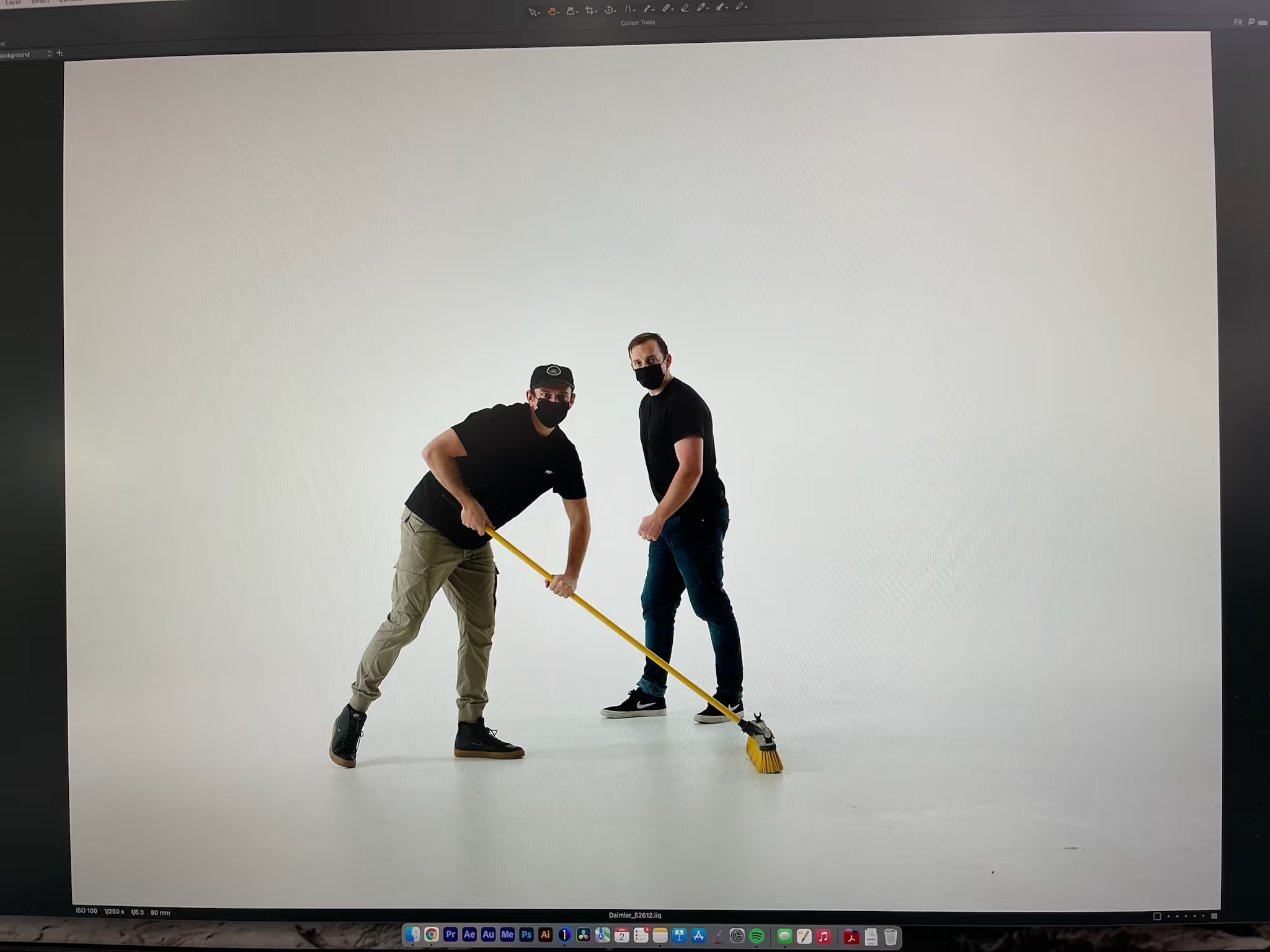
Most brands walk into a photography shoot without a number. They know the date, the location, sometimes the products — but not how many final images the day actually needs to produce. That gap is where budgets go sideways in both directions: shoots that run long chasing coverage nobody asked for, and shoots that wrap on time but leave a content calendar short by August.
Start from the calendar, not the shot list
The right way to size a shoot is backward from usage. Count the touchpoints a quarter of content actually needs to fill — website, email, paid social, organic social, sales decks, trade materials — and estimate the image count each one burns through. A brand posting three times a week on one channel needs a different volume than one running paid social across four. Sizing the shoot to the shot list, instead of the shot list to a guessed day rate, is what keeps a studio day from being either wasted or insufficient.
A hero shot and a library shot are different jobs
Not every frame in a shoot is doing the same work. A hero image — the one carrying a homepage or a campaign launch — earns extended setup time: precise lighting, multiple angles, client review on set. A library shot — the kind that fills a social calendar or an email header six months from now — doesn't need that level of investment per frame, but it needs volume and variety. Treating every shot like a hero shot is the fastest way to run out of day before running out of shot list.
Coverage math: what a studio day actually produces
A well-planned studio day with a clear shot list typically produces somewhere between 15 and 40 final, retouched images, depending on setup complexity and the number of product variations or outfit changes involved. Simple product-on-white work sits at the high end of that range. Styled lifestyle setups with wardrobe or prop changes sit lower — each setup change costs real time, and time is the finite resource in any single day.
Knowing that range before the shoot lets you plan realistically: if the calendar needs 60 usable images and the day only produces 25, that's either two shoot days or a plan to extend the life of each image across more placements.
Reuse is part of the count
The most efficient brands don't treat every content need as a new shoot. A single well-lit product setup can be cropped, color-graded, and repurposed across a product page, a social carousel, and an email banner without a second shutter click. Building reuse into the shot list from the start — planning frames that work in multiple aspect ratios and contexts — effectively multiplies what one day of shooting delivers.
What to bring to the pre-shoot conversation
Before booking a shoot, the useful numbers to have ready are: how many distinct products or scenes need coverage, how many of those need hero-level treatment versus library treatment, and how many total placements the resulting images need to fill over the next two to three months. That conversation, had before the call sheet gets built, is what turns a photography day from a single asset drop into a quarter's worth of usable content.