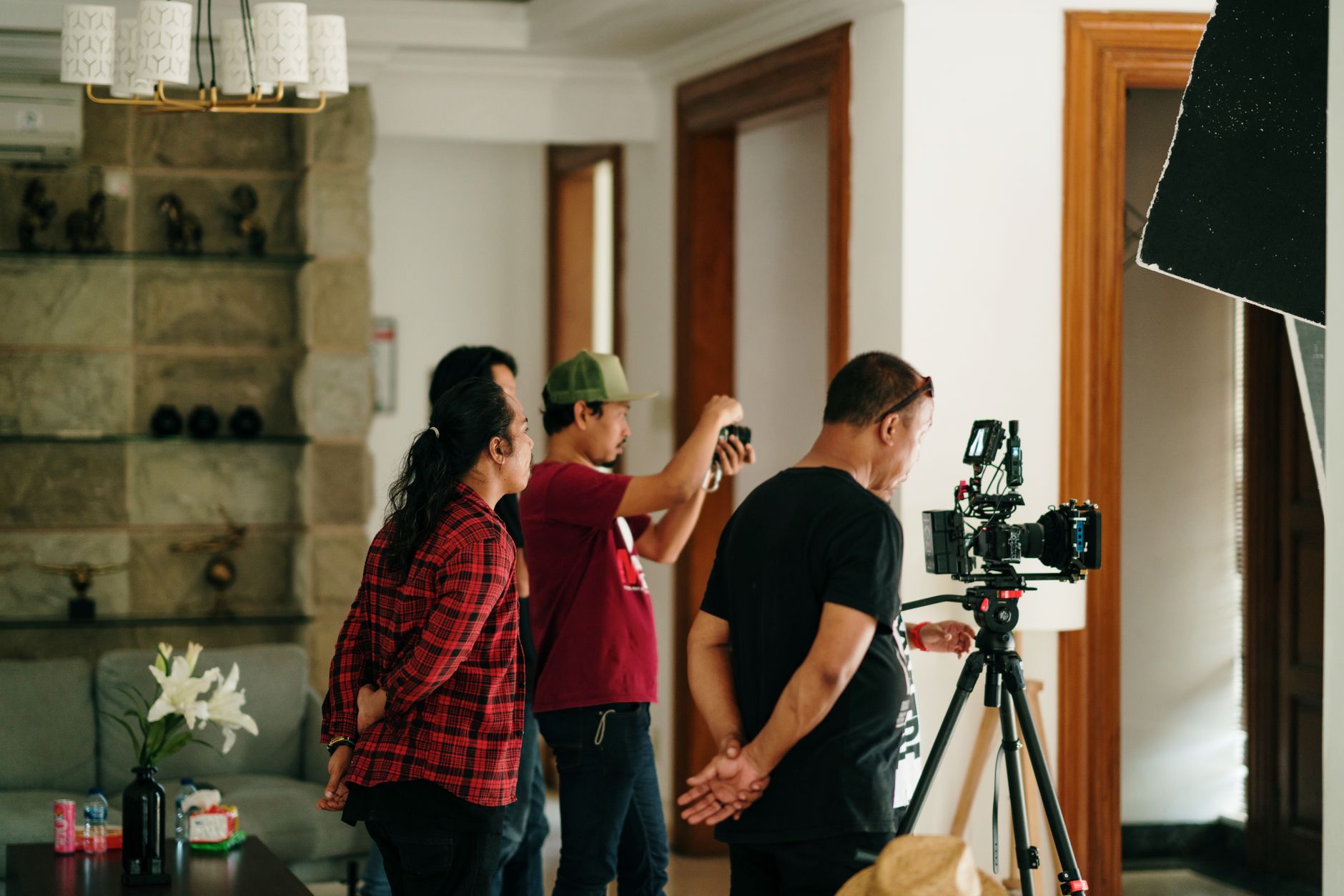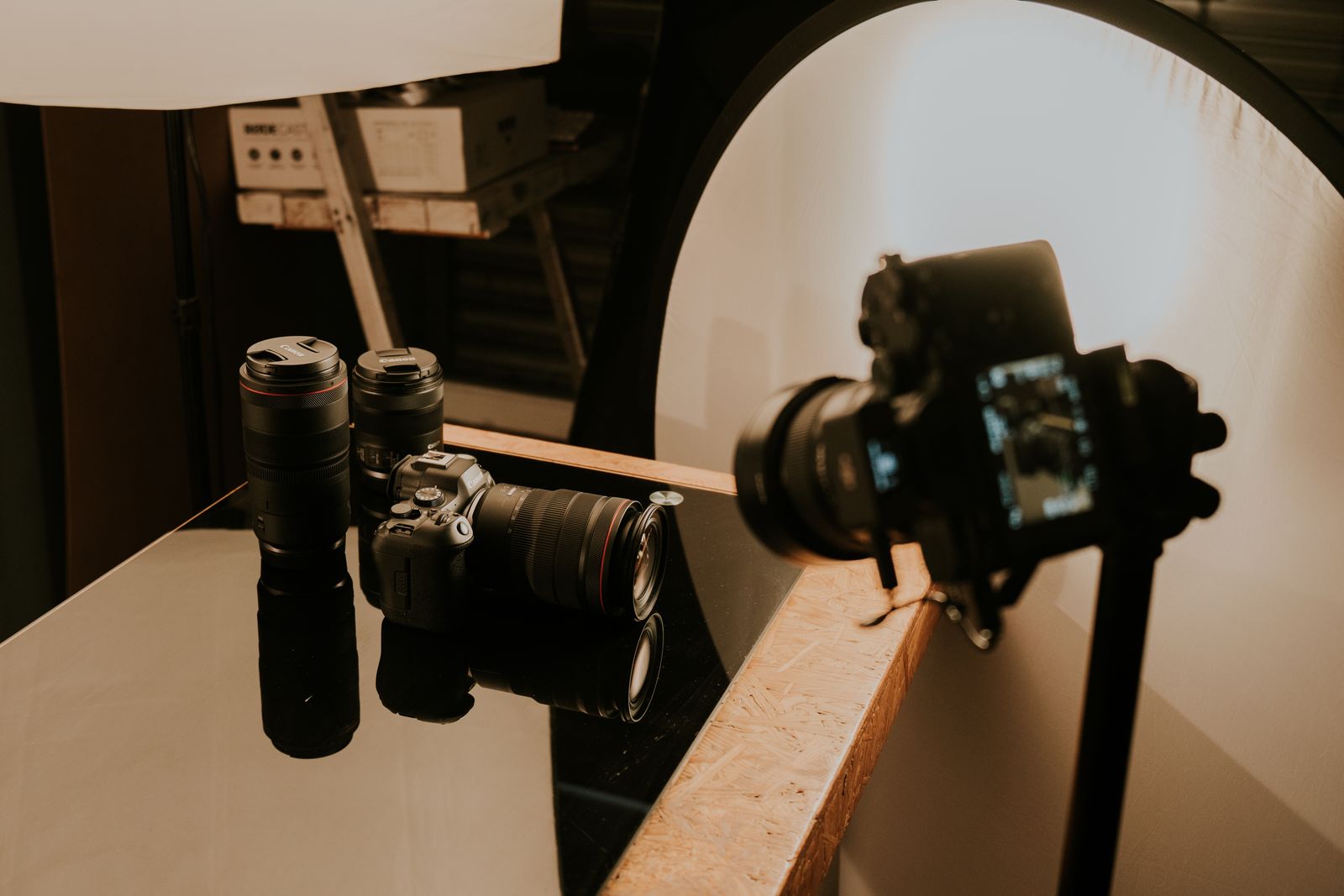
A combined product video and photography shot list should name the product, the job each asset must do, and the separate stills and motion coverage required to do it. Each entry needs a shot ID, product version, action or view, framing, channel format, priority, setup requirements, and approval notes. Shared setups can connect the work. They do not make a photograph and a video clip interchangeable.
For a brand or ecommerce lead, the test is simple: can the crew tell what must be captured, and can the reviewer tell whether it is complete? “Bottle on table” is a subject. “Front-label still for the product page, plus a separate vertical pour sequence for paid social” is a production instruction.
Separate the brief, the shot list, and the schedule
The brief establishes the audience, product story, approved claims, visual direction, and required deliverables. The shot list translates those decisions into specific coverage. The schedule determines when and in what order that coverage will be captured.
Do not ask the shot list to resolve an undecided campaign. Confirm the products, channels, and approved messages first. Then group the shots into practical setups. The broader approach to planning product video and photography together explains how the two mediums can share a direction without sharing every capture decision.
Give every shot a clear production record
Use one master list with separate stills and motion entries. Include these fields:
- Shot ID and setup: A unique reference and a setup group, such as tabletop, detail, or in-use.
- Product identity: SKU, variant, color, packaging version, and sample condition.
- Asset job: The feature, view, action, or approved product evidence the asset must communicate.
- Capture type: Photograph, motion clip, or two linked entries when both are required.
- Composition: Camera angle, product orientation, framing, background, and required negative space.
- Action: For motion, the start position, movement, end position, and useful holds before and after the action.
- Placement requirements: Channel, orientation, intended crop, dimensions or resolution, and any duration or sound requirements.
- Dependencies: Talent, wardrobe, props, styling, product preparation, location, or a condition that cannot be repeated easily.
- Priority and approval: Must-have or optional, named reviewer, reference image, and any product-accuracy checks.
- Capture status: Not started, captured, needs another take, or verified, with references to the selected files.
Keep delivery specifications in a linked deliverable matrix when several shots feed the same edit. A shot is source material; a finished edit may combine several shots. Confusing those two levels makes asset counts look complete while essential coverage is still missing.
Write stills and motion as different instructions
A photograph needs a deliberate moment: a clear label, a precise product shape, a readable detail, or a controlled interaction. A motion shot needs an action that can be edited. Specify what moves, what remains fixed, and what the viewer should understand by the end.
Do not assume a frame grab replaces a planned photograph. Confirm whether the source footage can meet the still-image requirements for resolution, motion clarity, lighting, framing, and retouching. If a dedicated still is required, put it on the list.
Likewise, a successful still setup does not guarantee useful motion. A hand entering frame, opening a package, and removing a product may need several actions, a repeatable starting position, and a clean ending. “Get video too” does not cover those decisions.
Use a worked setup to check the level of detail
Consider a hypothetical beverage shoot. These entries share a tabletop setup but produce different source assets:
- T01 — Product-page still: Approved can and packaging version; front label facing camera; clean background; full product visible; required ecommerce crop; label and color checked before sign-off.
- T02 — Detail still: Close view of the approved packaging detail; reflections controlled so the relevant text remains readable; crop confirmed for the intended placement.
- T03 — Pour sequence: Separate motion take; can enters, pour begins, glass fills to the agreed level, and action settles; record clean starts and endings; compose for the required vertical placement.
- T04 — Campaign still: Product and glass arranged for the campaign layout; dedicated copy space; product condition and liquid level matched to connected assets.
These are planning examples, not a required number of shots or a claim about a particular product. The actual list follows the brand's approved uses and deliverables.
Protect continuity and product condition
Identify which sample stays clean and which can be opened, worn, wet, cut, or otherwise altered. Record the order of irreversible actions. Capture necessary clean packaging before opening it, and protect any product view that cannot be recreated with the remaining samples.
For connected scenes, note label direction, liquid level, wardrobe, hand position, prop placement, and other visible details that must agree. Reference photographs can help the next setup start from the same state. Assign someone to track continuity rather than leaving it to whoever notices first.
Group setups without letting one medium disappear
Group compatible work by set, product preparation, lighting approach, talent, and location. Within each group, show the stills block and motion block explicitly. Name who has priority when the teams share a set or talent.
Check horizontal and vertical framing before marking coverage complete. If the important action or product detail cannot survive both crops, list separate compositions. Put weather, limited location access, sample deterioration, and other hard constraints ahead of flexible work.
Close the list against the deliverables
Before production, trace every required deliverable back to its supporting shots. During capture, mark an entry verified only after the appropriate reviewer has checked it. Afterward, record where the files live and which required assets still have gaps.
Use descriptive IDs and file references that can carry into the shared product-content asset library. A completed shot list should let an editor find the right action and let a brand lead identify what is missing without reconstructing the day from memory.
The final check is not whether the list contains enough angles. It is whether every required still and motion asset has a defined purpose, a usable capture plan, and someone responsible for confirming it.